

Introduction
What is Mamestagram?
Mamestagram is an osu! community server with a dedicated leaderboard for every play mode, including Relax and Autopilot scores that are not ranked on official servers.
Players can earn score and PP (Performance Points), compete for the server's #1 spot, and play beatmaps Ranked by the community. They can also connect with other Mamestagram players through Discord chat, multiplayer, and more.
You can also challenge mode-specific Dans and earn Dan titles by meeting their passing requirements. Dan plays are detected and judged in both osu!stable and osu!lazer.
Key feature categories
Play osu!stable and osu!lazer with the same account.
Records standard-play scores just like the official server.
Records Relax scores in osu!, osu!taiko, and osu!catch.
Records Autopilot scores in osu!.
Detects and judges mode-specific Dans in both osu!stable and osu!lazer.
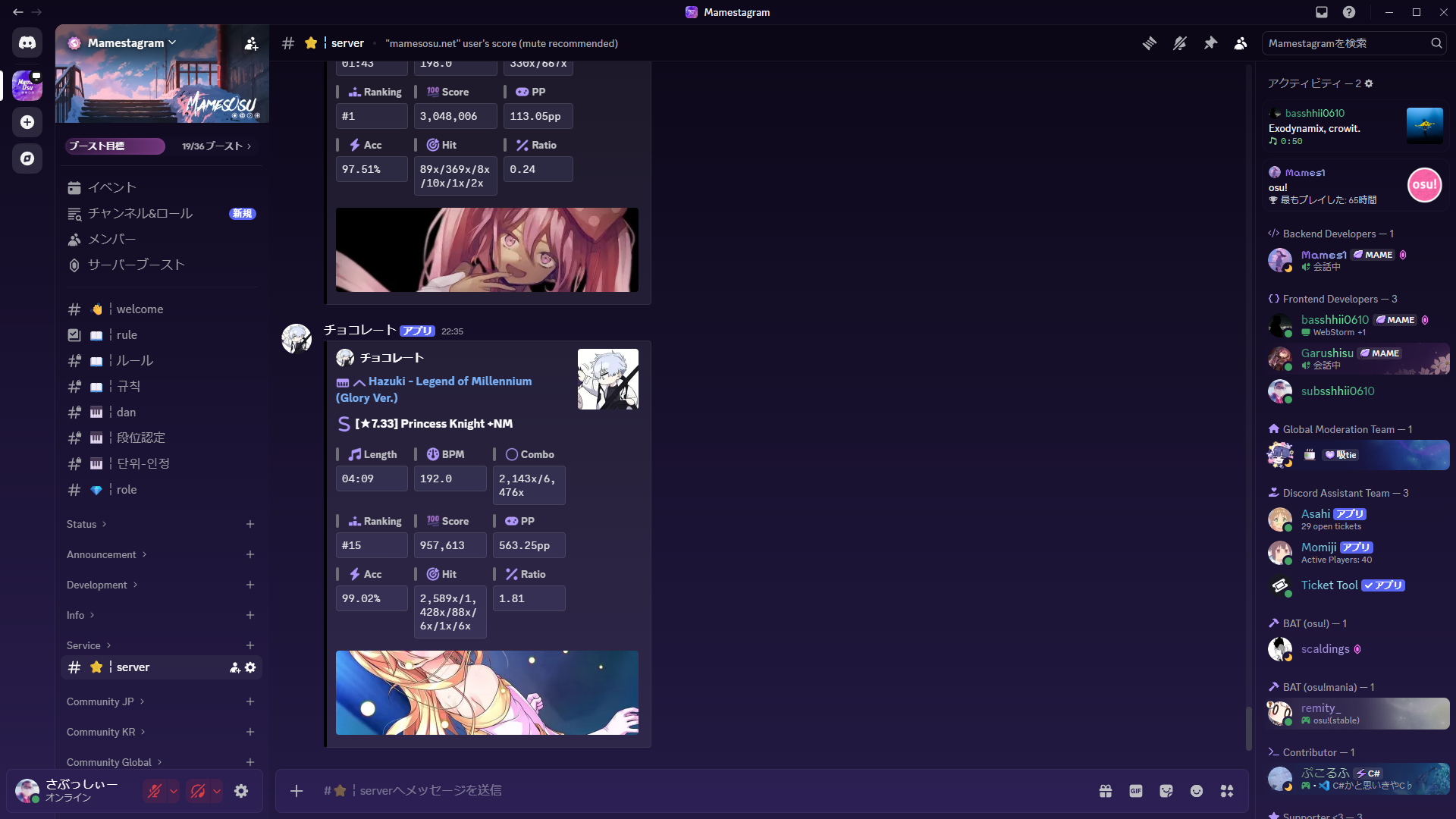
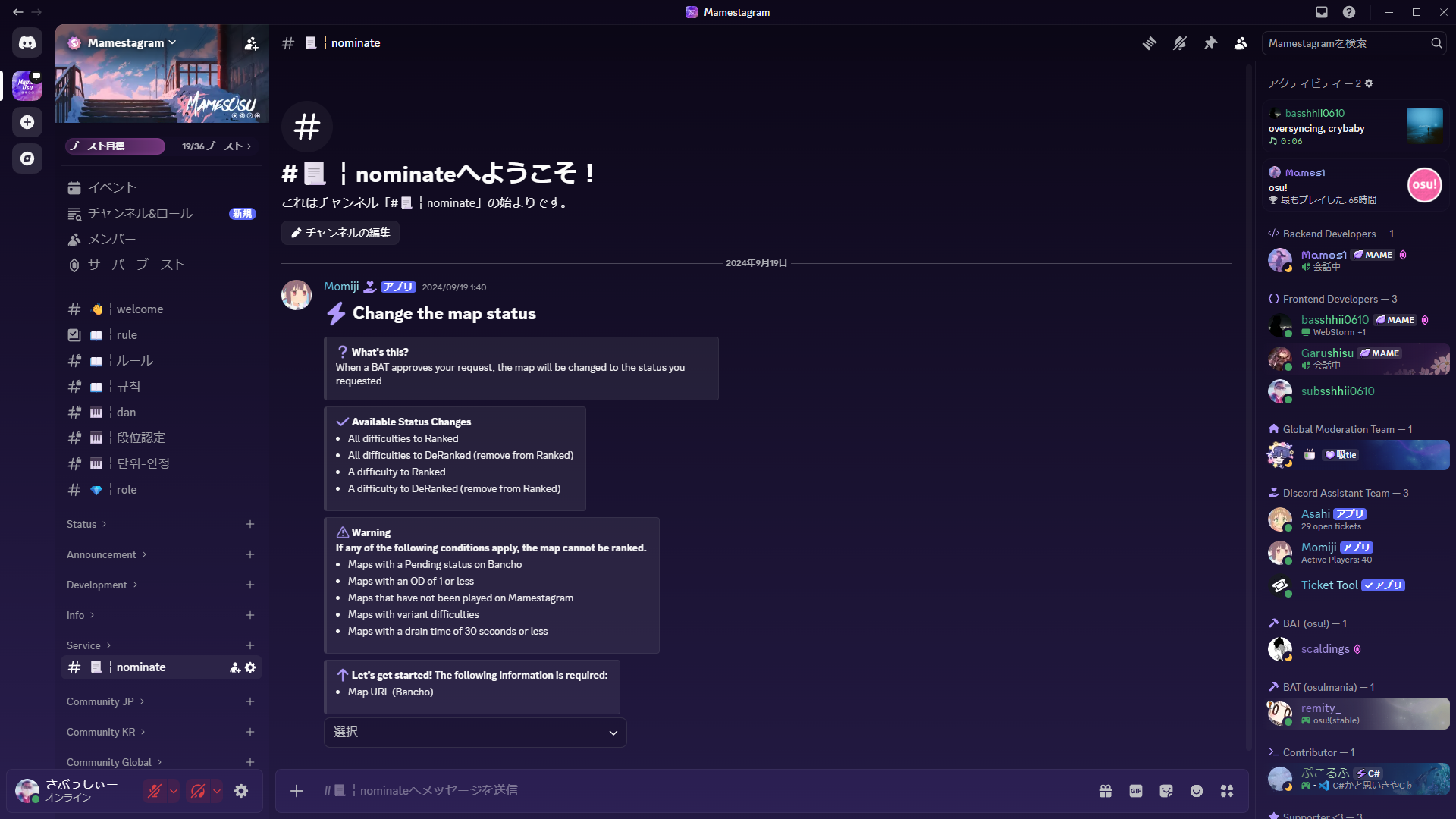
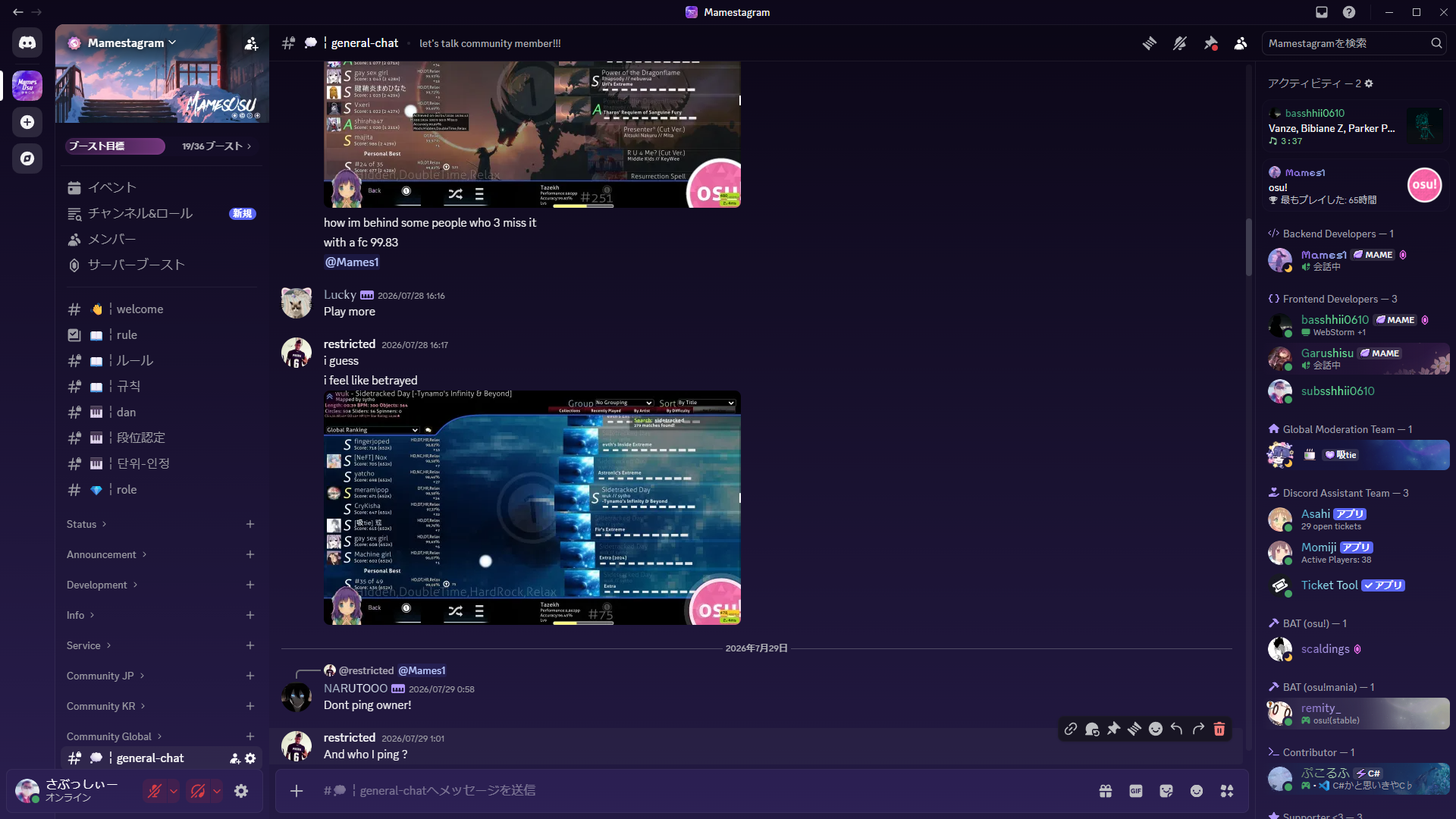
Discord community channels
Rules
Thank you for joining Mamestagram. The following rules must be strictly followed while playing on Mamestagram. There are rules for both the private server and Discord, so read them carefully before participating. The administration may suspend accounts without warning when rules are not followed. By joining the server, you agree to these rules.
Prohibited acts on Discord
- 1
Acts that cause inconvenience to members, such as spam or posting phishing URLs.
- 2
Sending messages that put a load on members' devices.
- 3
Advertising other servers.
- 4
Discriminatory language, hatred, or discrimination based on race, gender, religion, creed, social status, or sexual orientation.
How to connect
Create a dedicated osu! shortcut and add Mamestagram's devserver option. You can keep your normal Bancho shortcut alongside it.
- 01
Open the folder containing osu!.
- 02
Right-click osu!.exe and choose Create shortcut.
- 03
Move the shortcut somewhere convenient, such as your desktop.
- 04
Rename the shortcut if you want to distinguish it from Bancho.
- 05
Right-click the shortcut and open Properties.
- 06
In Target, add a space followed by after osu!.exe.
- 07
Select Apply, then OK. Launch the new shortcut to connect.
In-game commands
These are the general-player commands currently available in osu!stable. Prefix them with ! and run them from in-game chat.
We recommend running normal settings and query commands in a DM with the bot (Momiji). Run !mp only in the target match chat.
<value> is required, [value] is optional, and <a/b> means a or b. Command names are case-insensitive, but lowercase arguments are the safest choice.
BBCode
Headings and text formatting
[heading]text[/heading][b]text[/b][i]text[/i][u]text[/u][s]text[/s]Quotes and code
Dan Courses
Dan Courses are structured challenges with mode-specific clear requirements. Passing a course raises your player level by the level of that challenge.
FAQ
Mamestagram is a Japanese osu! private server for every game mode. It offers a unique way to play with friends that is not available on official osu!.